Linux · macOS · Windows
Screen recording
made cinematic
Click-driven auto-zoom, hardware encoding, webcam overlay, and direct YouTube publishing — all in one app.
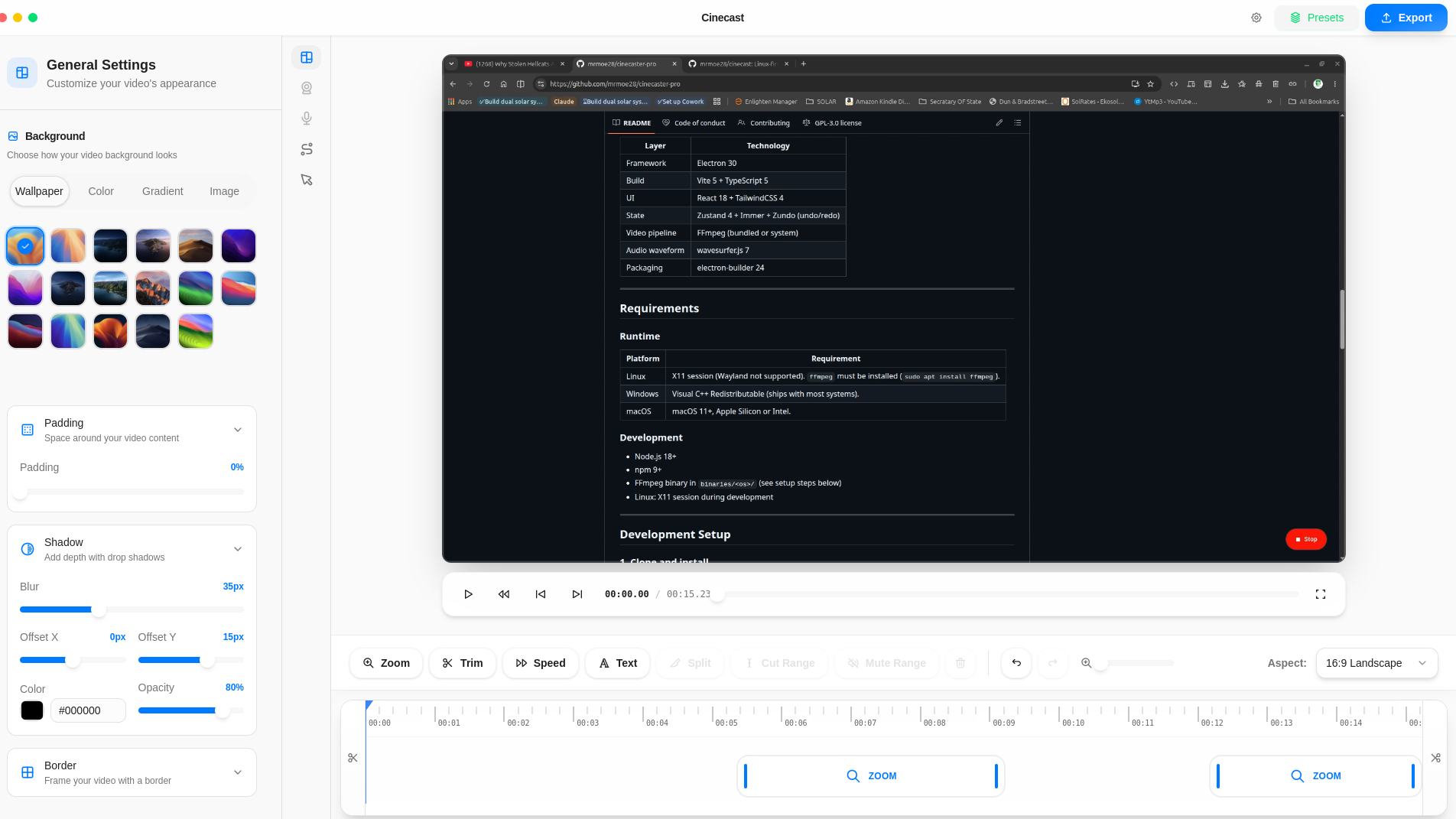
Click-driven auto-zoom, hardware encoding, webcam overlay, and direct YouTube publishing — all in one app.
A focused toolkit — try free, upgrade when you're ready.
Click events drive smooth zoom animations automatically. No manual keyframing needed — the editor reads your cursor and does the work.
GPU-accelerated H.264 exports via FFmpeg. Near-zero CPU overhead — your machine stays responsive while Cinecast renders.
Separate mic and system audio with waveform visualisation and per-track volume control.
Picture-in-picture webcam baked directly into the recording with flexible layout presets you can resize on the fly.
Cut, speed ramp, and set zoom regions on a visual timeline. Drag handles to trim, then export when ready.
Connect your Google account once, then upload any recording with title, description, and privacy controls from inside the editor.
Start free. Upgrade inside the app when you need more.
Try Cinecast with no commitment. Everything you need to record and edit.
Unlimited exports and YouTube publishing. Built for creators who ship consistently.
Upgrade inside the app after download. Cancel any time.
Your credentials stay on your machine. Cinecast never routes them through an external server.
Open the Integrations tab and sign in once via OAuth.
Pick the video file or let Cinecast hand it off straight from the timeline.
Fill in metadata without leaving the app.
One click. Progress shown inline. Done.